What are the Secure the Airport controls on PC?
WASD movement, mouse look, left click for scan/interact/shoot. Secure the Airport controls add shop and upgrade HUD buttons on the right edge.
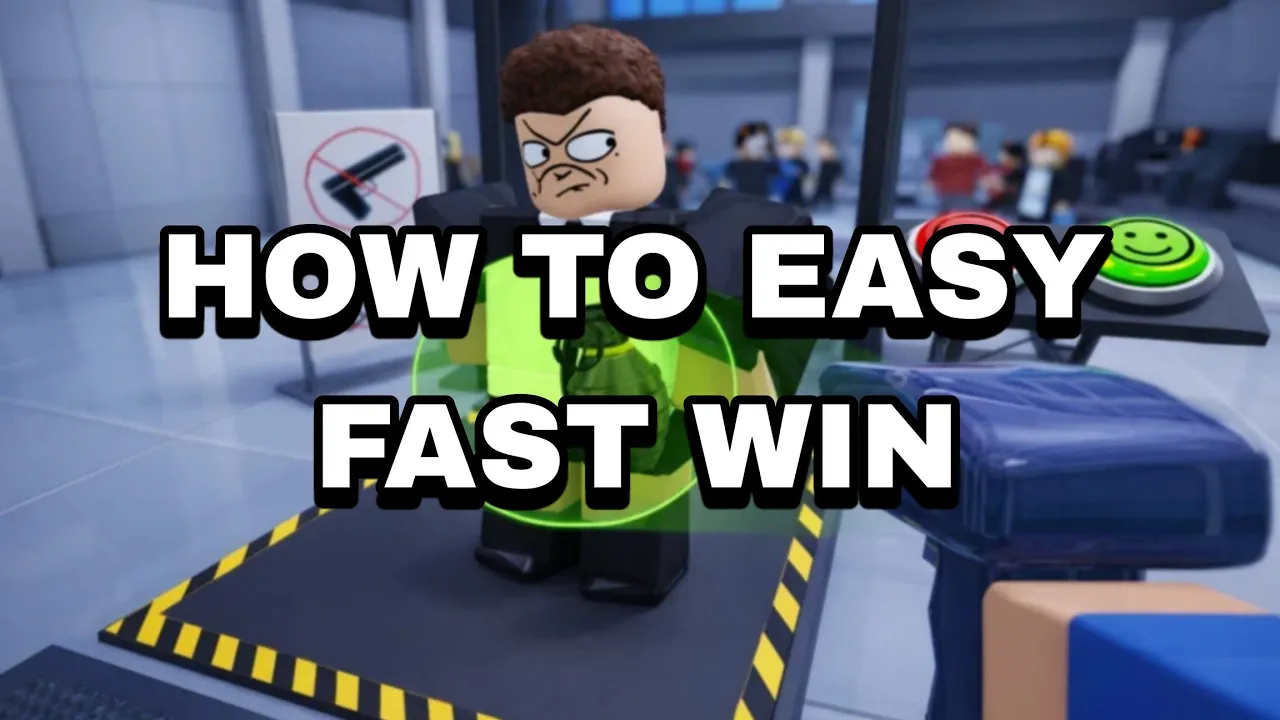
Secure the Airport controls on Roblox — PC keyboard, mobile touch, and console input reference.
See Secure the Airport controls for scanning, luggage checks, and defense on Roblox.
Secure the Airport controls layer Roblox defaults with security-sim prompts — body scans, luggage searches, document checks, and combat when breaches start. The experience supports PC, mobile, tablet, and console per Bro Brought WHAT??.
Scan passengers. Stop threats. Defend the airport. This Secure the Airport Roblox controls reference covers keyboard/mouse, gamepad, and where touch players should read the mobile HUD page.
Scan passengers with security equipment, search luggage for prohibited items, verify passports and boarding passes, earn Cash, upgrade gear, unlock Classes, and defend the airport against escalating criminals and boss threats. Playable on Desktop, Mobile, Tablet, and Console. Learn inputs before grinding Cash — missed scan sides and slow luggage clearances hurt income more than raw aim in early Secure the Airport sessions.
Pair this page with the beginner guide, passenger screening checklist, and classes database for the full Secure the Airport controls loop.
On PC, Secure the Airport controls use standard Roblox movement: W A S D to walk, Space to jump where enabled, and mouse to look around and click UI prompts.
Left-click handles most interact actions — aiming scanners at passengers, selecting luggage items, confirming document matches, and firing weapons during breach events. Right-click may adjust camera zoom depending on Roblox client settings.
Number keys or mouse scroll wheel typically swap weapons once you buy higher Classes — community reports map primaries like MP7A1, M4A1, and Vector CRB to hotkeys after purchase. Open the Secure the Airport pause or settings menu in-game if Bro Brought WHAT?? exposes rebind options.
Roblox Shift Lock can stabilize camera aim during combat segments. Toggle from client settings or Shift when enabled — useful when Fire Starter or Most Wanted Passenger waves demand tracking moving targets in Secure the Airport Roblox.
| Input | Label | Action in Secure the Airport |
|---|---|---|
| W A S D | 🚶 | Move security officer at the checkpoint |
| Mouse look | 👀 | Camera · aim scanner and weapons |
| Left click | 🖱️ | Scan · interact · shoot · UI confirm |
| Number keys / scroll | 🔫 | Swap Class weapons after purchase |
| Shift | 🏃 | Sprint when enabled in Secure the Airport |
| Esc | ⚙️ | Roblox system menu — not in-game Class shop |
Screening is where Secure the Airport controls matter most for Cash income. Body scans require aiming at the front and back of each passenger — weapons hide on those sides. Circling the entire NPC wastes seconds every queue cycle.
Luggage searches open a focused minigame when bags flag. Click prohibited items clearly visible in the X-ray view — over-clicking tiny decoys slows throughput in Secure the Airport Roblox.
Document verification compares passport photos, boarding passes, and passenger models. Current builds reward quick hair checks for disguise tells — tap or click approve/detain only after both documents match.
Finish all luggage before the day rolls passengers away. The passenger screening guide lists the full Secure the Airport controls checklist for high-volume runs.
When danger spikes, Secure the Airport controls shift from paperwork to weapons. Classes determine starting guns and HP — Rookie begins with MP7A1 and .357 Magnum; Officer Elite upgrades to M4A1 at $3,000.
Left-click fires primaries; secondary swap uses number keys or scroll per Roblox weapon defaults. Aim down sights if Bro Brought WHAT?? enables ADS on your Class rifle — helpful for boss weak points.
Taser or detain interactions may appear on flagged criminals before lethal force — watch on-screen prompts during Secure the Airport breach events. Missing the non-lethal window sometimes fails roleplay-oriented badges.
Late-game Secure the Airport controls during Juggernaut-tier runs emphasize sustained fire and cover near the checkpoint. See bosses for wave-specific positioning after the July 2026 update.
| Combat action | Tag | Default PC input |
|---|---|---|
| Fire primary | 🔫 | Left click |
| Swap weapon | 🔄 | Number keys / scroll wheel |
| Move to cover | 🚶 | W A S D |
| Interact / detain | ✋ | Left click on prompt |
| Reload | 📦 | R key when supported by weapon |
Secure the Airport on Xbox and PlayStation uses Roblox console defaults: left stick moves, right stick looks, triggers aim/fire, and face buttons confirm interact prompts.
Secure the Airport controls on console map A / Cross to confirm scans and UI, B / Circle to back out of menus, and bumpers to swap weapons when supported. Use the on-screen keyboard for future Secure the Airport codes entry.
Screening minigames accept the same confirm button as PC left-click — expect tighter timing on luggage taps. Reduce controller deadzone in Roblox settings if inputs feel unregistered during busy waves.
Pair console play with the mobile and HUD notes when shop tabs overlap on TV-safe layouts. The July 4, 2026 Secure the Airport update lists console as supported alongside desktop and mobile.
Touch Secure the Airport controls use virtual joysticks and tap prompts on phone and tablet. The official Roblox page confirms mobile support — read the dedicated Secure the Airport mobile page for HUD layout, landscape tips, and touch timing during scans.
Store and upgrade buttons mirror PC placement on the right HUD edge in most July 2026 builds. Scroll the shop on small screens when looking for future codes tabs.
WASD movement, mouse look, left click for scan/interact/shoot. Secure the Airport controls add shop and upgrade HUD buttons on the right edge.
Aim the scanner at front and back with mouse or touch. Full checklist on passenger screening.
Yes — Roblox lists Desktop, Mobile, Tablet, and Console. Console Secure the Airport controls use standard gamepad mappings plus HUD prompts.
Roblox client settings handle some bindings. In-game rebind support depends on Bro Brought WHAT?? menus — check pause/settings after updates.
No. Secure the Airport by Bro Brought WHAT?? uses screening scanners, Class weapons, and boss breaches — a different control scheme and developer.
Matched by build plan, shared topics, and guide progression — not random related links.